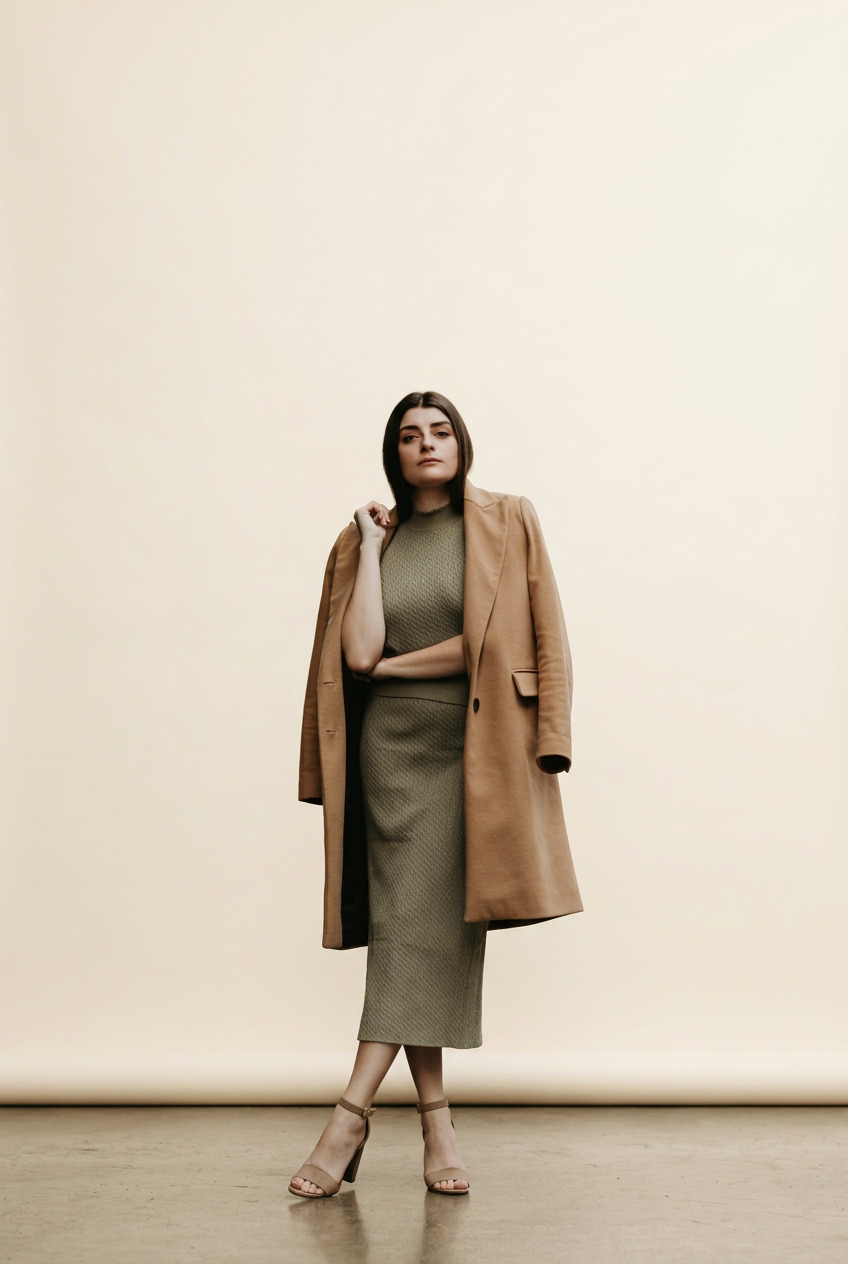
 01 / Photo studio
Photo studio
8 creditsGive your look a clean backdrop and soft studio light.
See any garment on your own photo, build a virtual wardrobe from pictures of what you already own, and mix new outfits with AI.
Kolors Virtual is an independent browser studio, not the official Kolors model demo. About the product.
Also available on Google Play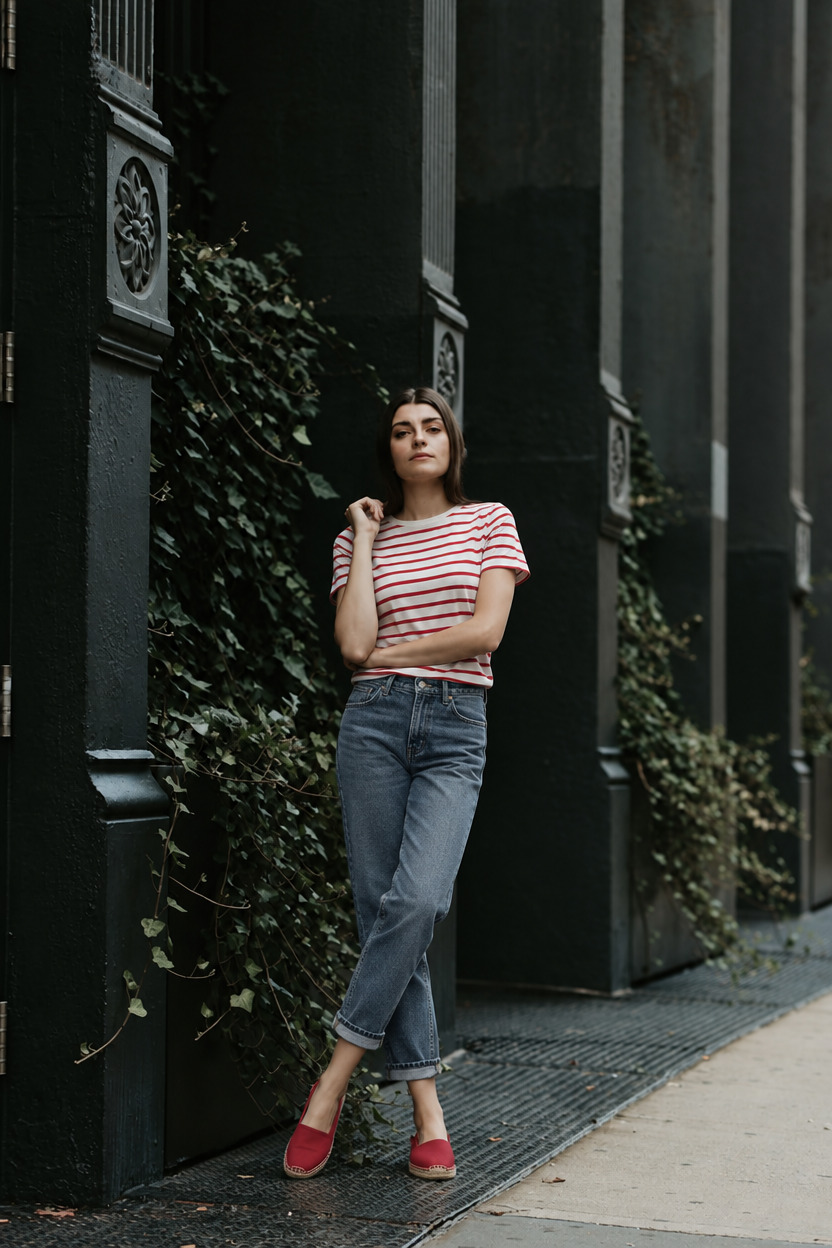 AI try-on result
A new look, still you.
Actual AI-generated example · results vary
Your photo
The garment
Everything in one studio
Try on new pieces, catalog what you already own, and turn every look into something worth sharing.
Add your photo and up to 11 garments. See the whole outfit on you, then refine any detail with a sentence or a brush.
From 2 credits per look
Upload photos of yourself and AI pulls out every piece you are wearing as a clean product image. Build your digital closet in minutes, then mix pieces into new outfits.
Scanning is free · 2 credits per saved piece
Studio backdrops, city editorials and flat lays from any look.
8 credits per image
AI edits
Change a color or swap a detail.
Saved looks
Every version, ready to reopen.
Results are AI visual approximations and do not predict exact sizing or fit.
New · Virtual wardrobe
Upload pictures of yourself and Kolors pulls out the outfit, piece by piece. Your closet becomes a catalog you can search, mix and try on, without photographing a single hanger.
Scanning outfit Top Bottom ShoesRed striped tee
In your wardrobe
Light-wash mom jeans
In your wardrobe
Red espadrilles
In your wardrobe
How it works
A clear, well-lit photo with your outfit visible. Full-length works best.
Upload product photos, choose from your wardrobe, or start with an example.
AI dresses you in the pieces you chose, keeping your face, pose and background.
Edit details, try another piece, then download or share the result.
Tip: even lighting and an unobstructed view of the clothing area give the AI the most to work with.
Creative studio
Give your try-on a studio finish, take it to the city, or turn it into a flat lay. Make something for your next post, mood board or outfit plan.
01 / Photo studioGive your look a clean backdrop and soft studio light.
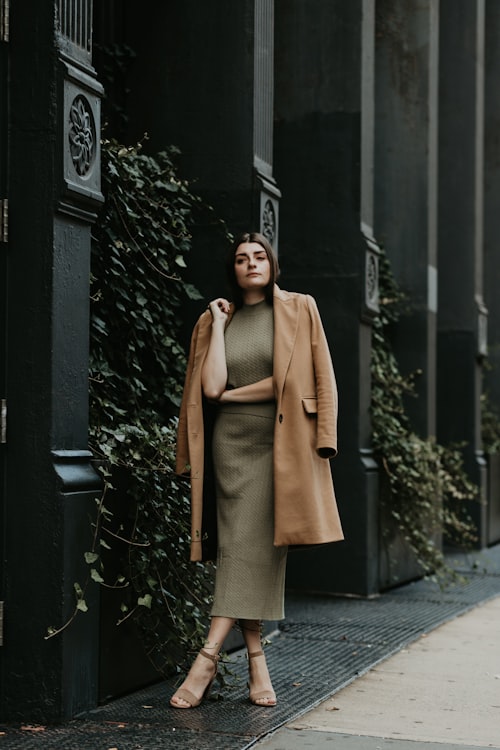
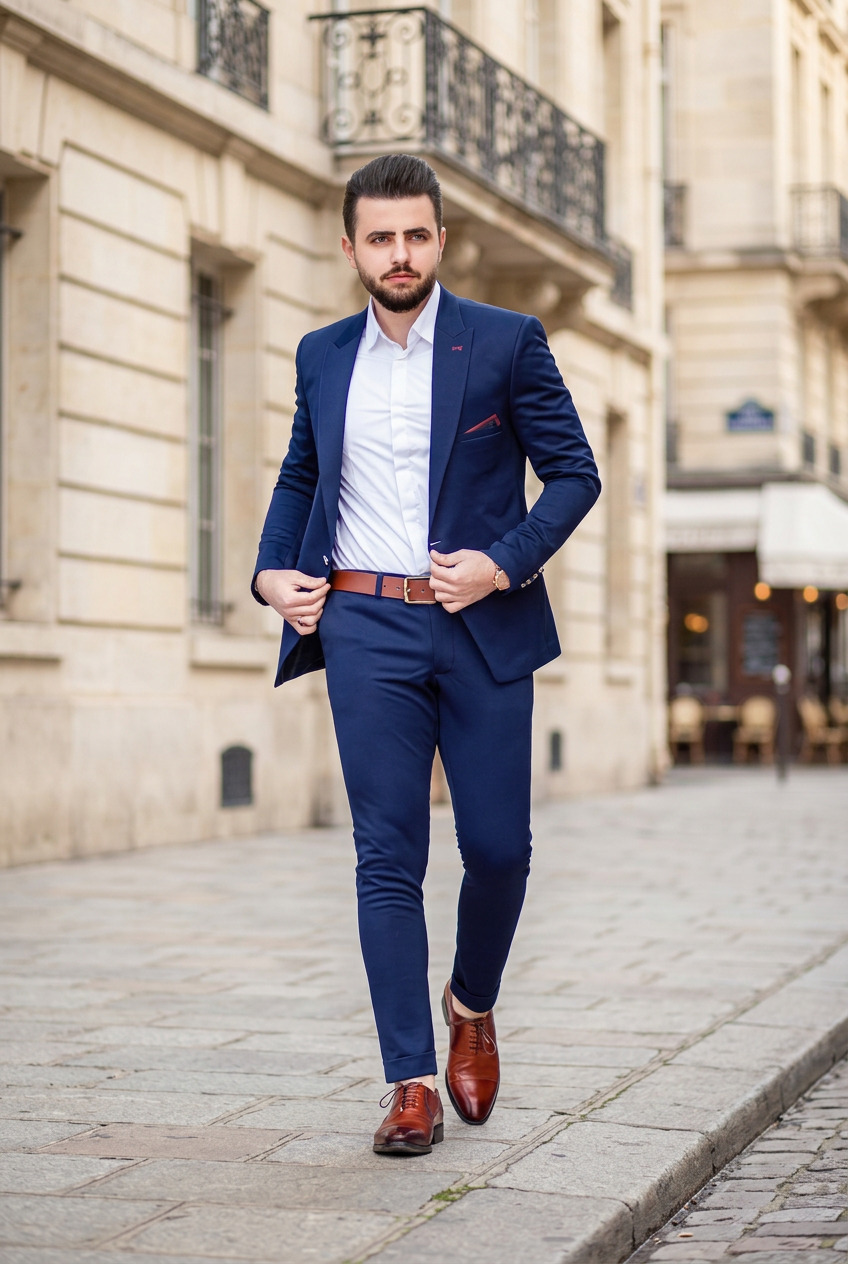 02 / City editorial
Take the same outfit to a sunlit city street.
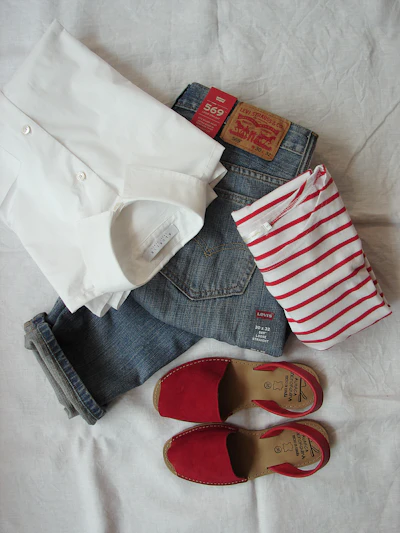
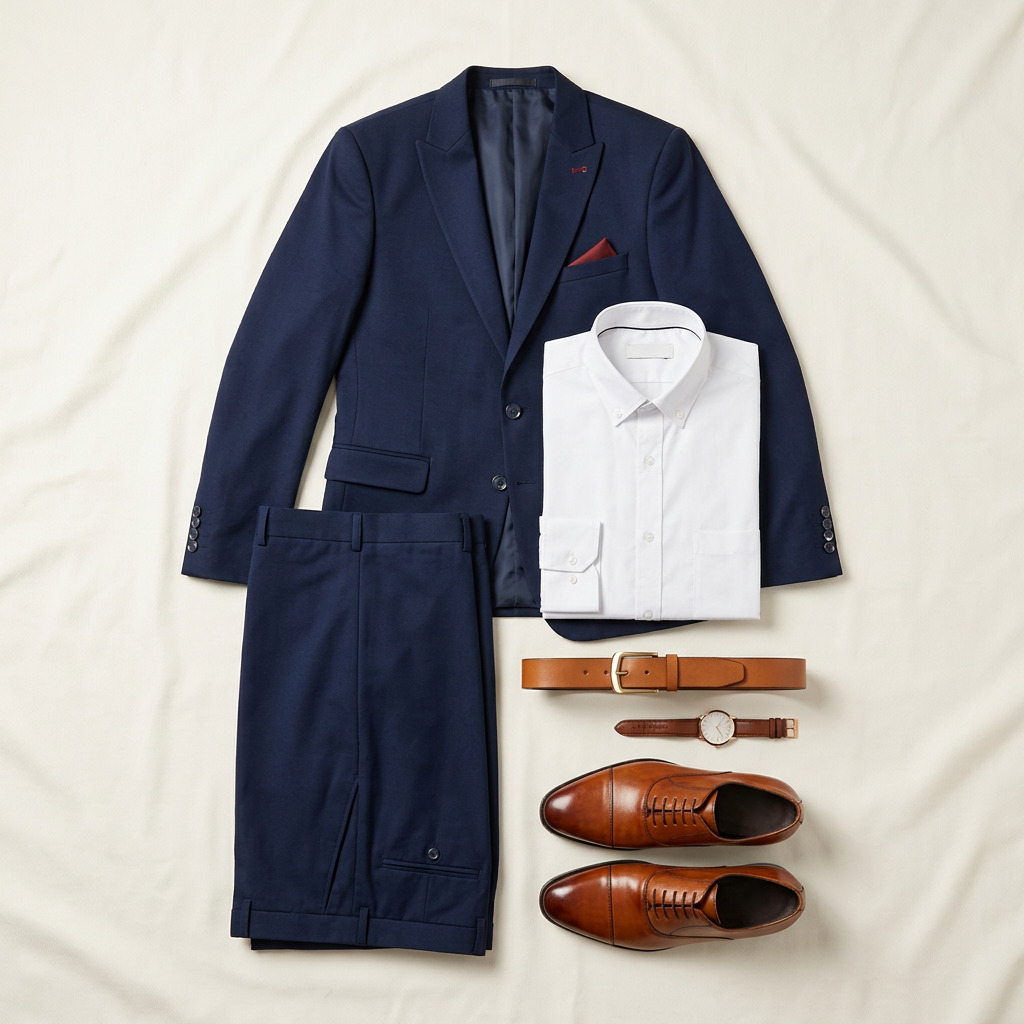 03 / Outfit flat lay
Turn the clothes in your look into an overhead outfit layout.
Actual AI-generated examples. Results may alter small details. Flat lays reconstruct visible clothing. Start with a new or saved try-on; try-on credits are separate.
Start with your lookSimple pricing
New accounts get 20 sampler credits for 7 days, including premium tools. Plans add credits every month; purchased credits never expire, even if you cancel.
Basic
$9/ month
Standard
$25/ month
Pro
$45/ month
Not ready to pay? Create a free account for 20 sampler credits for 7 days, and invite a friend to earn more.
Start freePrices exclude tax and may vary by billing country. Save with yearly billing on the pricing page.
Use virtual try-ons for style exploration and visual comparison—not as a substitute for measurements, tailoring, or a physical fitting.

Explore visual concepts
Create multiple outfit looks for TikTok, Instagram, and YouTube without changing clothes. Save time and increase engagement with virtual try-ons.

Compare more combinations
Showcase diverse styles and trends without an extensive wardrobe. Provide your audience with endless fashion inspiration through virtual modeling.
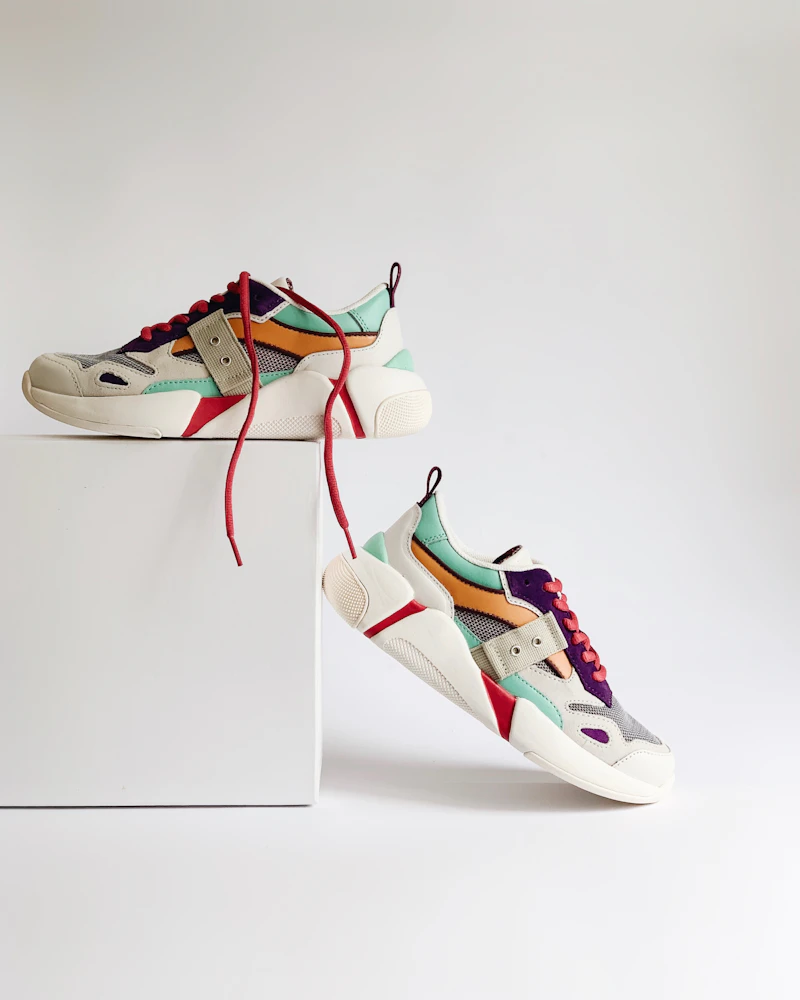
Preview before buying
Create a visual preview before buying. Use the result to compare overall style and color, then check the retailer's measurements for sizing.
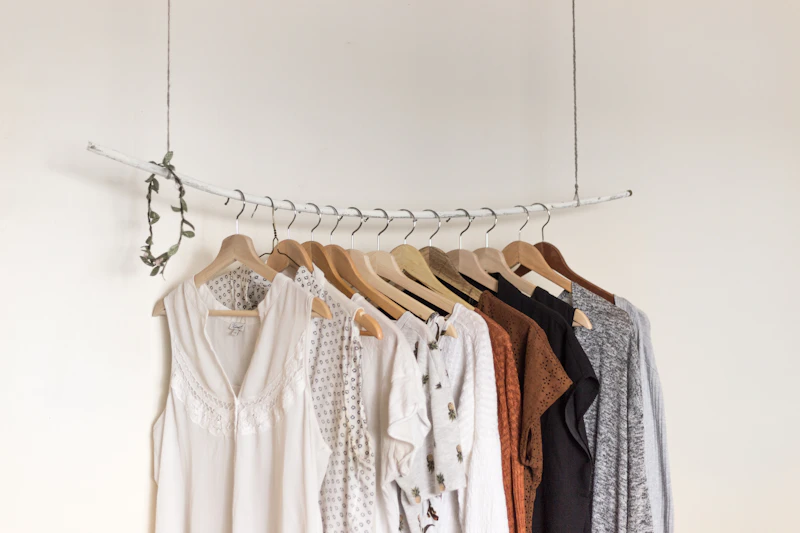
Experiment before committing
Experiment with different outfits and styles risk-free. Discover your personal style without purchasing items you might not wear.
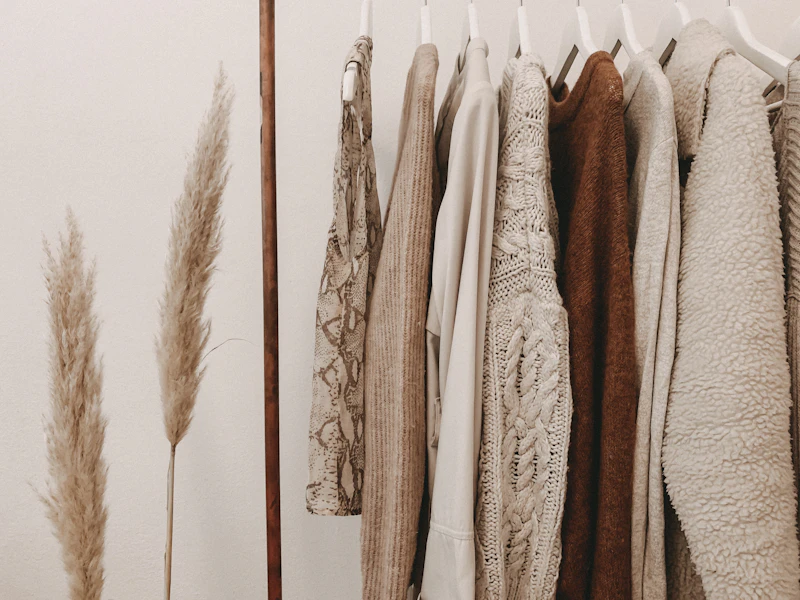
Test early concepts
Create early visual concepts with different model and garment references before committing to a photoshoot or sample.
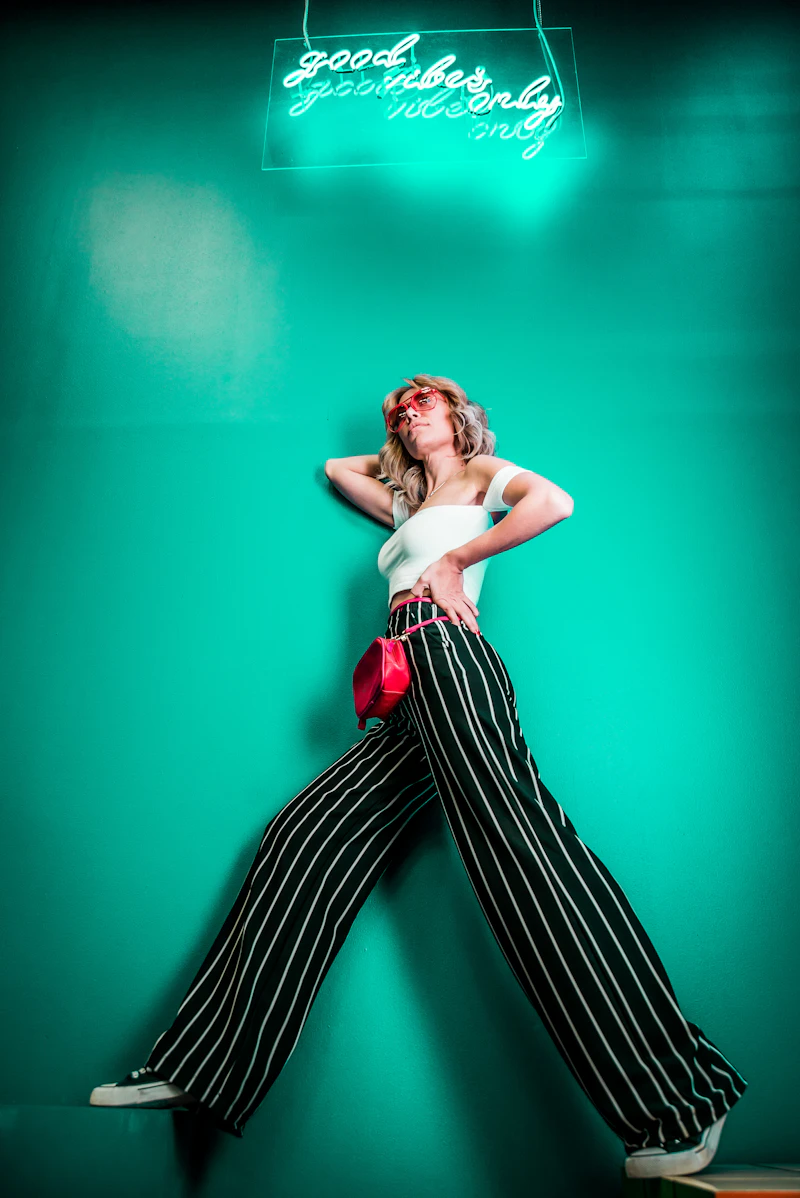
Build outfit moodboards
Explore outfit concepts for posts and moodboards. Review the service terms before using generated images commercially.
Find answers to common questions about Kolors Virtual
20 free sampler credits for 7 days with a new account. No app to install, no card to start.
Practical guides to references, credit costs and the details to check in an AI preview.
Choose a person photo and clothing reference, check the inputs, then review and refine your first virtual try-on.
Build a top, bottom and shoes combination, control jacket layering and compare complete outfit versions with transparent costs.
Scan an outfit, choose the pieces worth saving, understand extraction costs and reuse your clothes in new virtual looks.