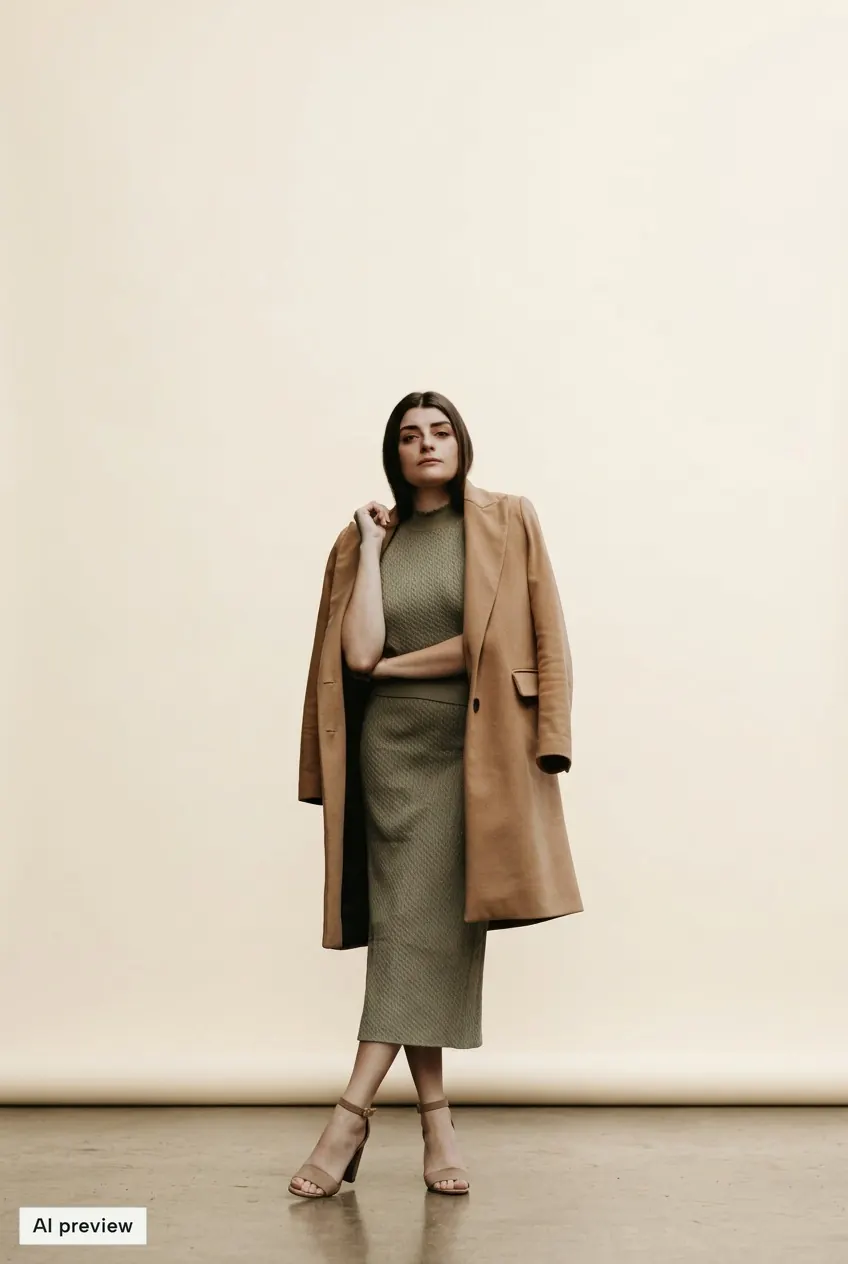
 01 / Photo studio
Photo studio
4 looksGive your look a clean backdrop and soft studio light.
Help us see which ads work: no photos, no contact details.
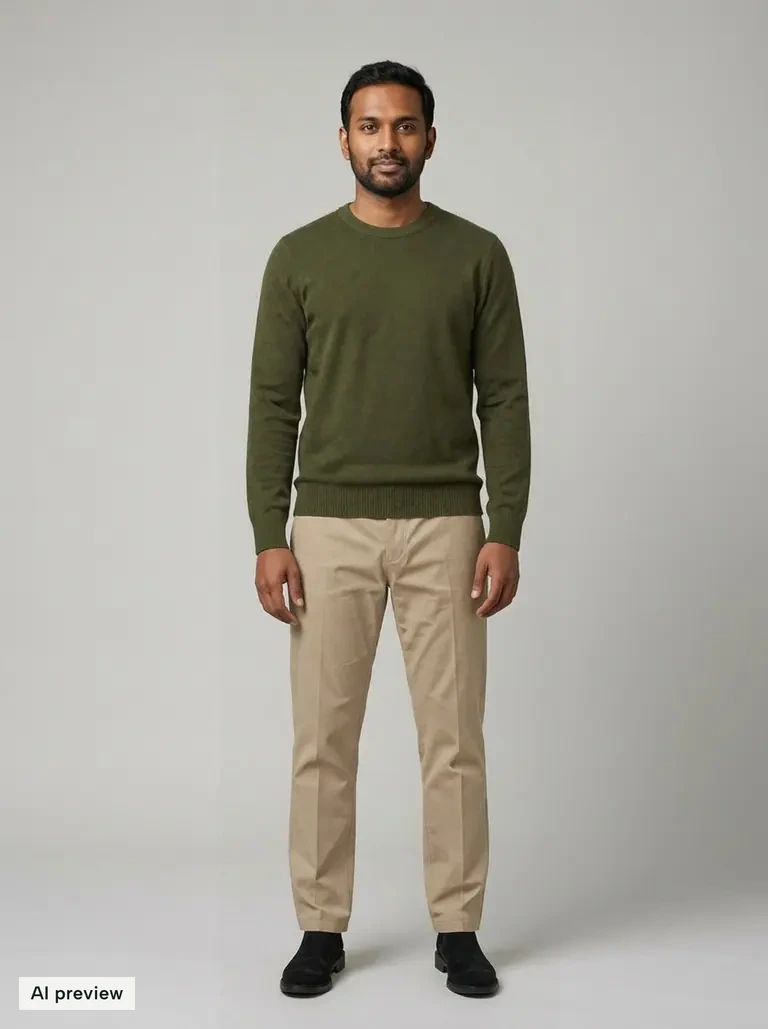
Example: AI-generated person
Try it with my photoFree account, no card · 10 welcome looks
See any outfit on your own photo, build a closet from pictures of what you already own, and mix new outfits.
Kolors Virtual is an independent browser studio, not the official Kolors model demo. About the product.
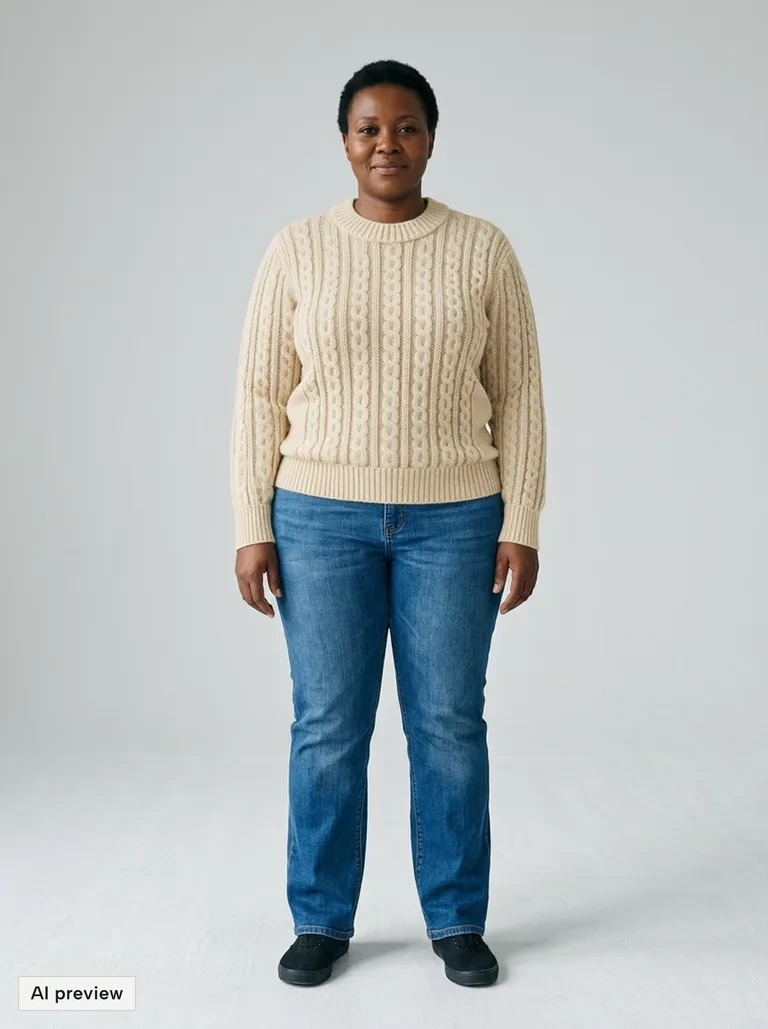 AI try-on result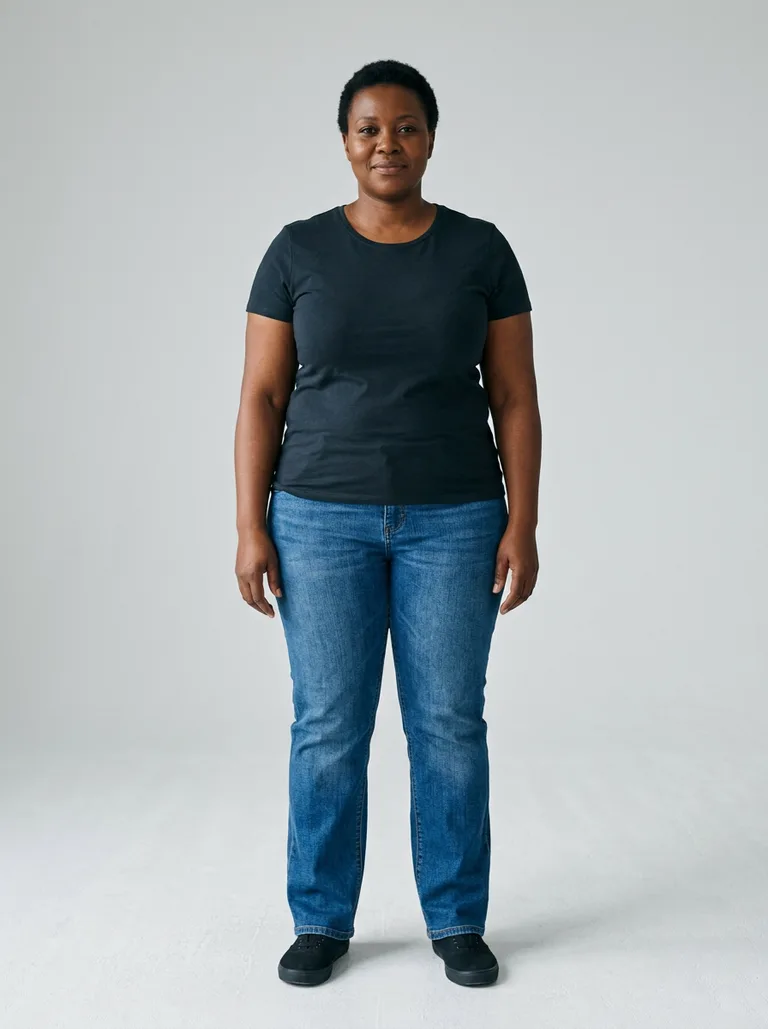
Your photo
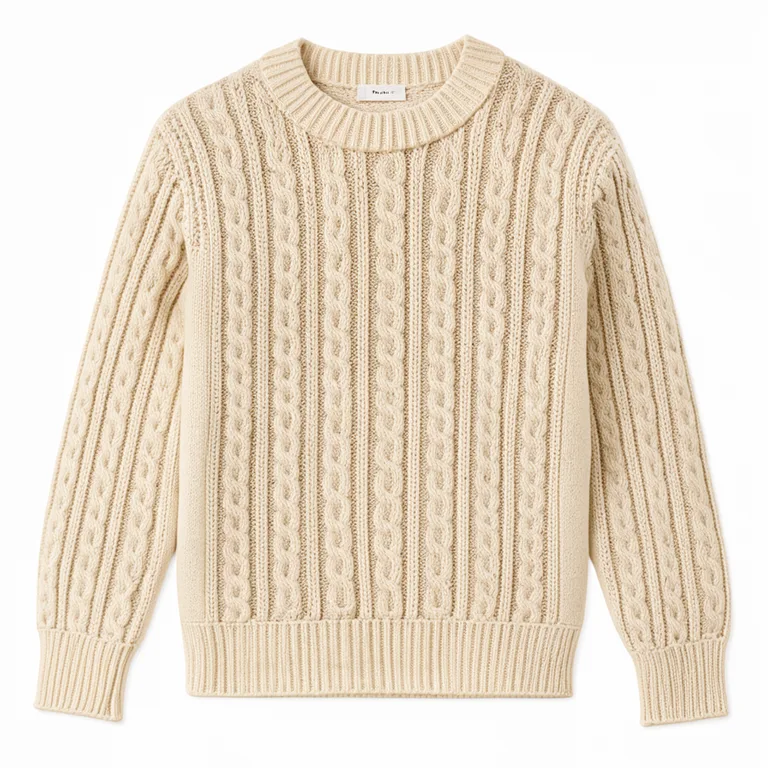
The garment
AI-generated person. Results vary.
Everything in one place
Try on new pieces, keep a closet of what you already own, and turn every look into something worth sharing.
Add your photo and up to 11 garments. See the whole outfit on you, then refine any detail with a sentence or a brush.
10 welcome looks, no card
Add photos of yourself and Kolors finds every piece you are wearing as a clean image. Build your closet in minutes, then mix pieces into new outfits.
Free, with no item limits
Studio backdrops, city editorials and flat lays from any look.
4 looks per image
AI edits
Change a colour or one detail.
Saved looks
Every version, ready to reopen.
Results are AI visual approximations and do not predict exact sizing or fit.
Your closet
Add pictures of yourself and Kolors finds the outfit, piece by piece. Your closet becomes a catalogue you can search, mix and try on, without photographing a single hanger.
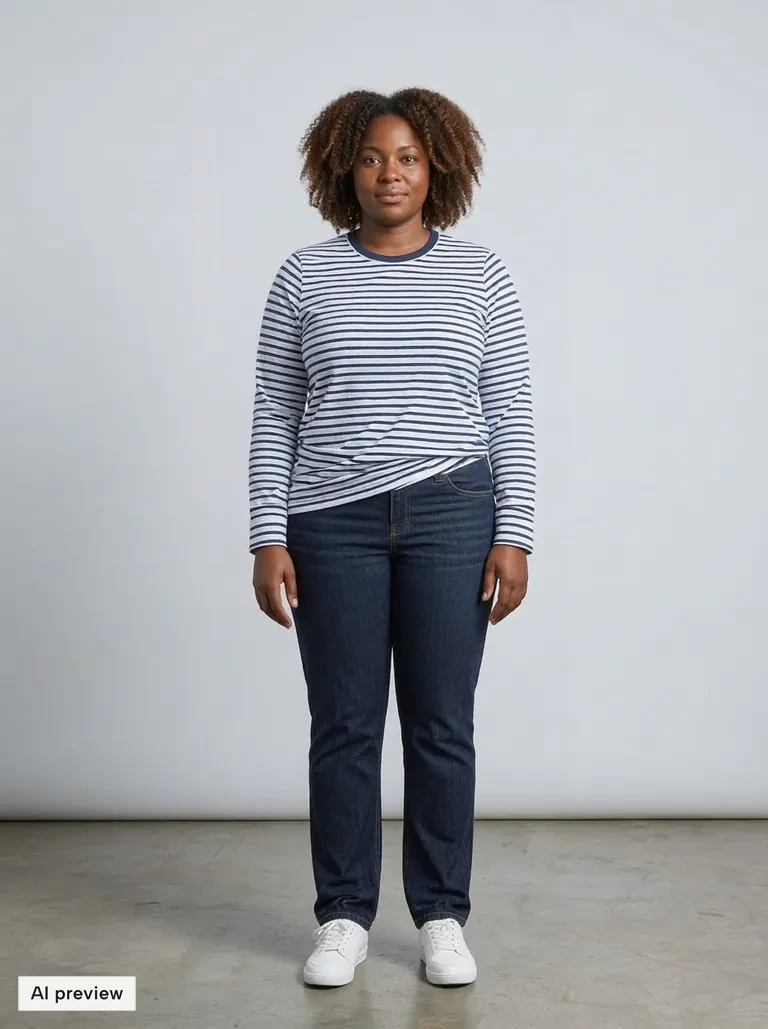
3 pieces from 1 photo
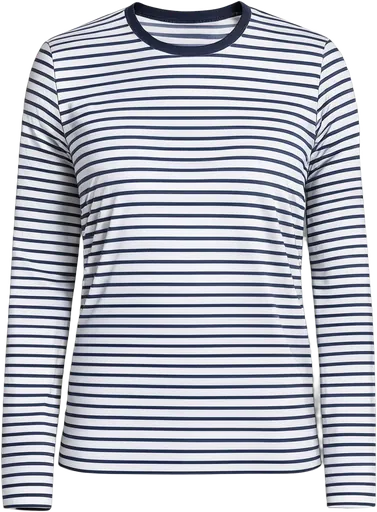 TopWhite and navy striped long-sleeve T-shirt
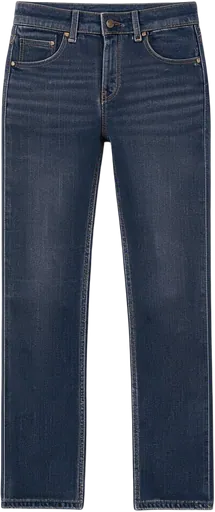 BottomDark indigo straight-leg jeans
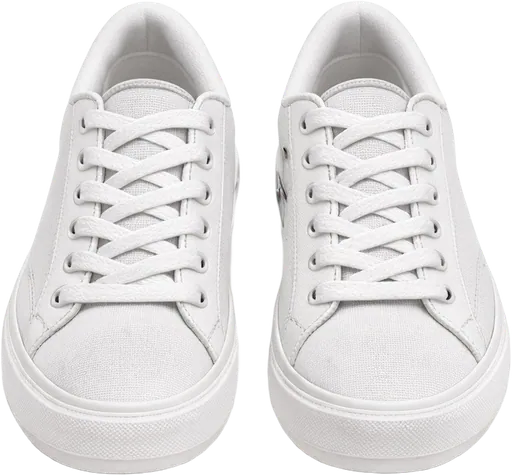 ShoesWhite low-top lace-up sneakers
How it works
A clear, well-lit photo with your outfit visible. Full-length works best.
Upload product photos, choose from your wardrobe, or start with an example.
AI dresses you in the pieces you chose, keeping your face, pose and background.
Edit details, try another piece, then download or share the result.
Tip: even lighting and an unobstructed view of the clothing area give the AI the most to work with.
Creative studio
Give your try-on a studio finish, take it to the city, or turn it into a flat lay. Make something for your next post, mood board or outfit plan.
01 / Photo studioGive your look a clean backdrop and soft studio light.
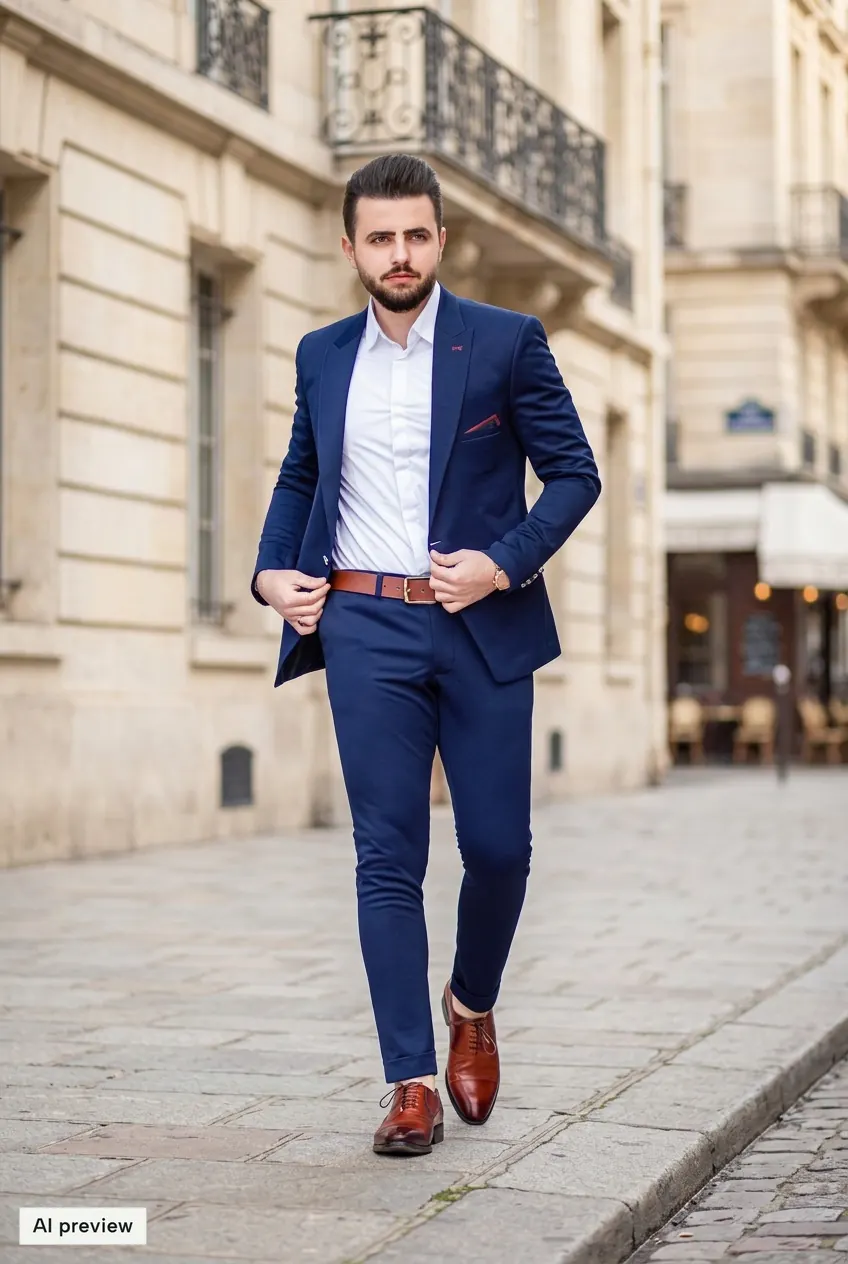 02 / City editorial
Take the same outfit to a sunlit city street.
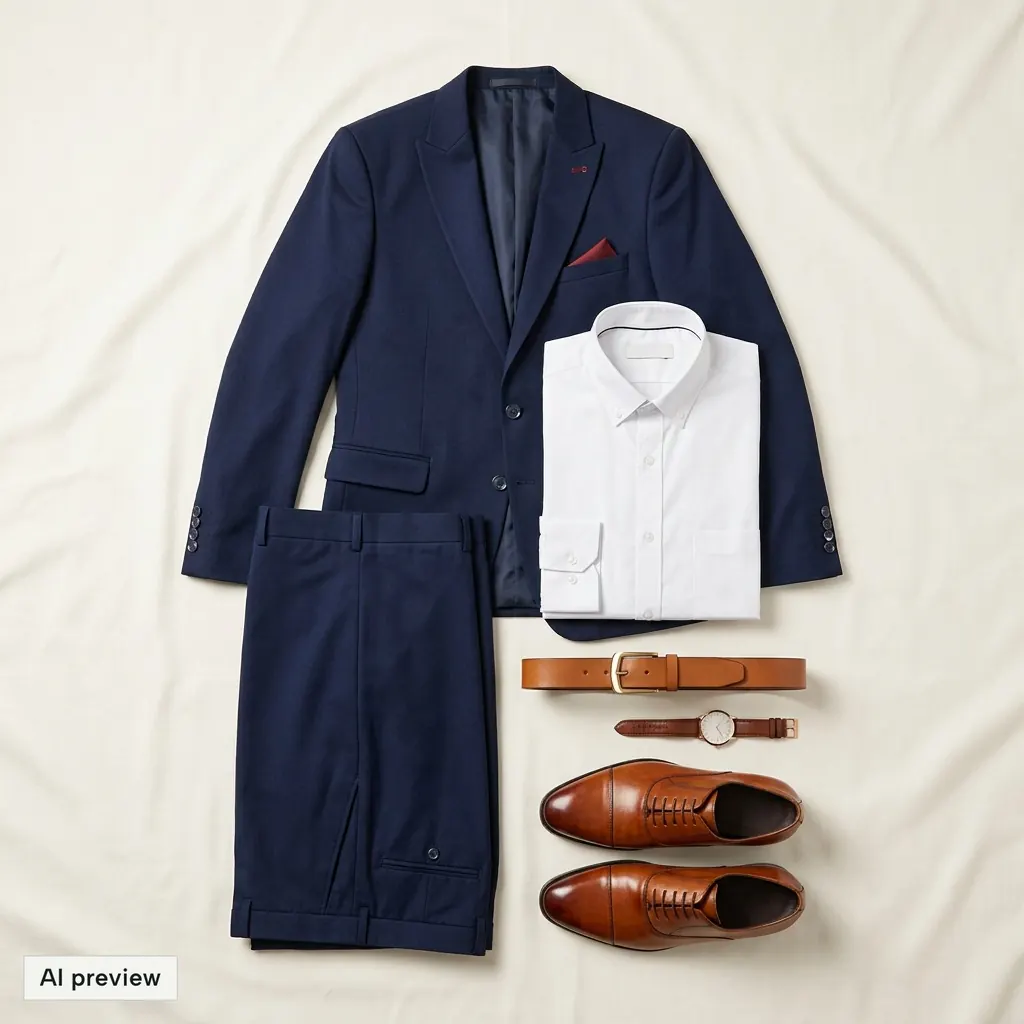 03 / Outfit flat lay
Turn the clothes in your look into an overhead outfit layout.
Actual AI-generated examples. Results may alter small details. Flat lays reconstruct visible clothing. Start with a new or saved try-on; the try-on itself is a separate look.
Start with your lookPlans
New accounts get 10 welcome looks for 7 days, no card. Failed or refused looks never count.
$9a month
$25a month
$45a month
Prices exclude tax and may vary by billing country.
See plansFind answers to common questions about Kolors Virtual
10 welcome looks for 7 days with a new account. No app to install, no card to start.
Practical guides to references, what each look uses and the details to check in an AI preview.
Choose a photo of yourself and a clothing reference, check the inputs, then review and refine your first virtual try-on.
Build a top, bottom and shoes combination, control jacket layering and compare complete outfit versions with transparent costs.
Scan an outfit photo, keep the pieces worth saving and reuse your clothes in new looks.