By Kolors Virtual · Updated 29 September 2026
How to change clothes in a photo with AI
Start with one garment. It is easier to spot an incorrect sleeve, a changed face or a missing pattern when you change one thing at a time. The clothes changer uses a separate reference image for the garment; you do not need to describe the item from scratch.
Loads reference images only. The studio starts in Standard; select Premium to explore that quality option. Creating a result requires an account and credits.
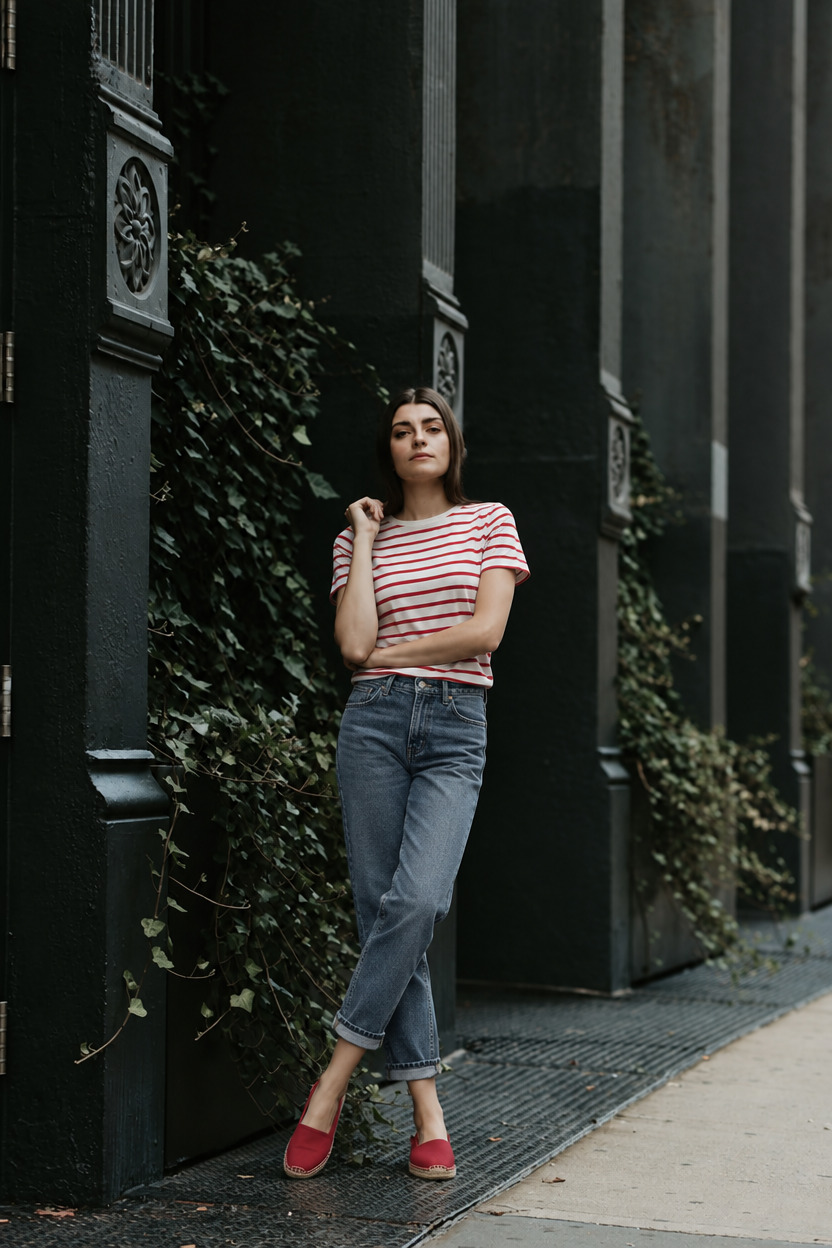
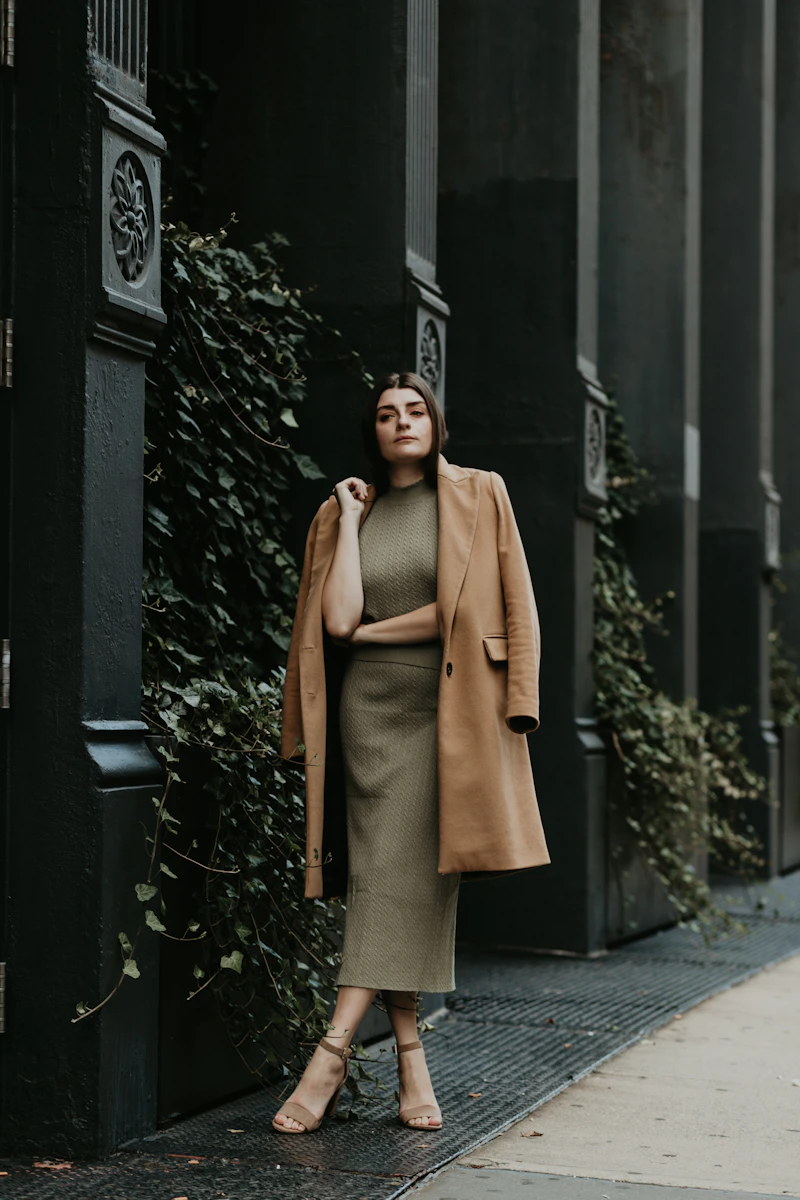
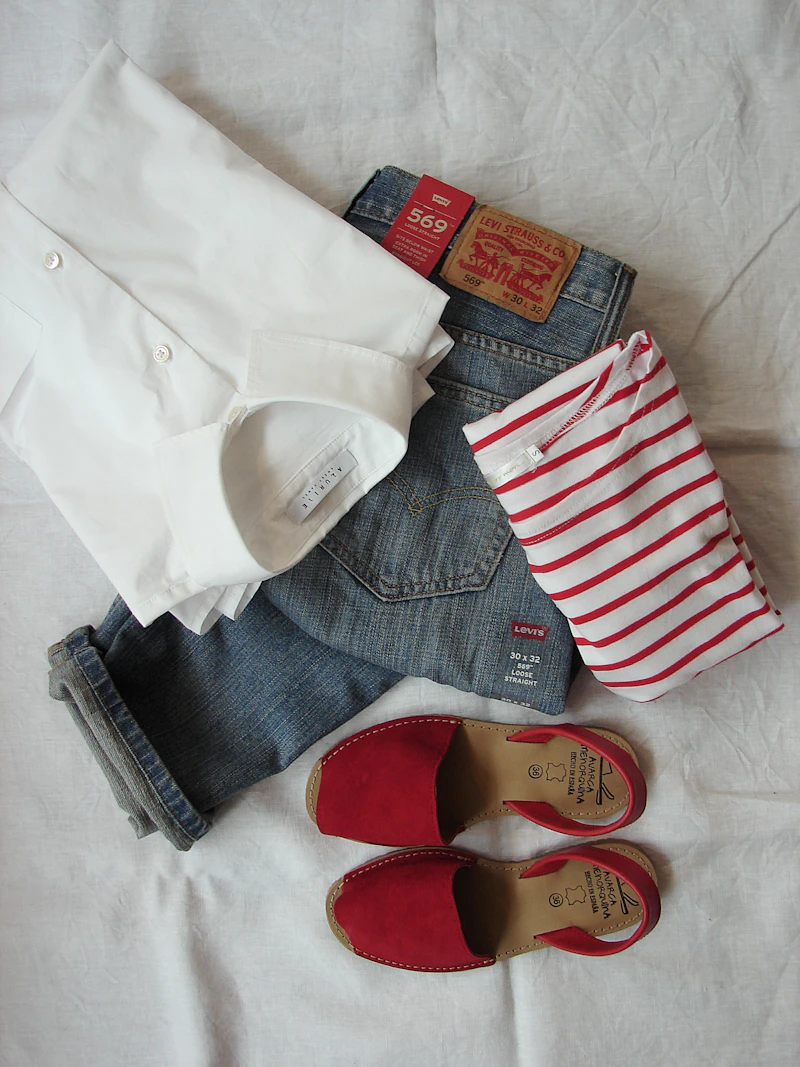
1. Choose a photograph you can judge
Use a clear, well-lit image with the clothing area fully visible. Keep hands, hair and bags away from the garment where possible. A full-body photo helps when changing long garments or shoes. Use a photo of yourself or someone who has agreed to this use. An obscured shoulder or cropped hem forces the model to invent missing information.
2. Add one garment reference
Use a clear product photo with the item visible against a simple background. Assign the matching category, such as Top or Dress. Avoid collages, screenshots with several products and heavy cropping. The studio can load the example pair below without uploading your own photo. Before signing in, you can replace either reference.
3. Check the inputs and credit cost
The photo check requires sign-in and assesses whether the references are suitable. A Standard one-garment try-on costs 2 credits; Premium costs 7. New accounts receive 20 sampler credits valid for seven days. Preparing references does not start a generation. The create button uses the displayed credits only when you choose to run it.
4. Compare more than the overall style
Compare the result with both references. Check face shape, hands, garment color, pattern alignment, logos, sleeve length and the background. AI can alter any of these details, even when the overall picture looks convincing. The preview does not measure size, comfort, stretch or real-world drape; use the retailer’s measurements for a purchase decision.
5. Refine one detail at a time
Use the saved version history to compare changes. For a small adjustment, open editing, select the region if needed and describe one change, such as “keep the shirt pattern and change only the background.” Review the edit price before running it. If the result changes the person or loses important garment details, return to an earlier version or choose clearer references instead of repeatedly editing a poor starting image.