By Kolors Virtual · Updated 29 September 2026
How to build a virtual wardrobe from an outfit photo
Your wardrobe is a private collection of reusable garment references. Start with one clear outfit photo, review what the scanner finds and save only the pieces you want. You can also add a product photo directly when you already have a good image of an item.
An account is required. Scanning is free; generating a clean image for each saved piece uses the credits shown before you confirm.
1. Pick a photo with visible details
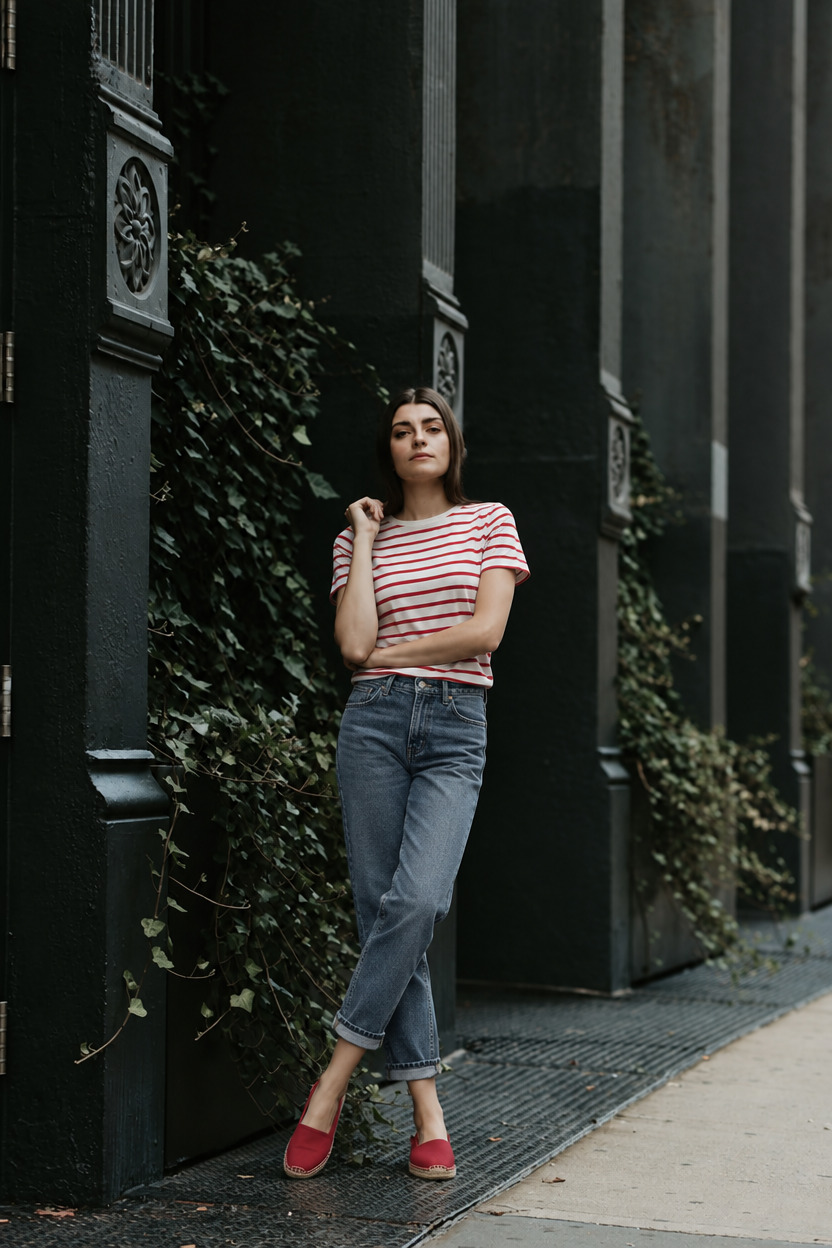
Choose an outfit photo with good light and as little overlap as possible. A bag across a jacket, hair over a collar or a long coat over trousers hides useful information. The tool may infer those covered areas when generating individual pieces. Use your own photos or images you have permission to use, and review the result before treating it as a reliable reference.
2. Scan before you spend credits
Sign in and open My wardrobe, then upload the outfit photo. The scan lists the pieces it finds without charging credits. Check the labels and categories before choosing anything to save. If an item is missed or misidentified, try a clearer photograph; do not assume the list is an exact inventory of everything in the image.
3. Save only the useful pieces
A clean garment image costs 2 credits per piece on Standard or 8 on HD. Saving three pieces on Standard therefore costs 6 credits. Review the selected count and total before confirming. Failed pieces are refunded automatically. Adding an existing product photo is free, so use that option when you do not need AI to reconstruct the item.
4. Check and organize the results
Inspect colors, patterns, fastenings, seams and the item’s outline. A reconstructed section may look plausible while differing from your garment. Rename the saved item so you can find it later, correct its category and remove items that are not useful. Your wardrobe remains private; sharing a finished look is a separate, deliberate action.
5. Build another combination
Select complementary saved pieces and open them together in the outfit studio. Add your person reference, review each category and check the generation price. A three-piece Standard try-on costs 4 credits in addition to any earlier extraction cost. Reusing a saved piece does not require extracting it again. Compare the resulting look visually, while relying on real measurements and your experience of the clothes for fit.